Quick Start
Welcome to KnootAI! This guide will help you get started with our comprehensive talent management and recruitment platform.
1. Getting Started
Create Your Account
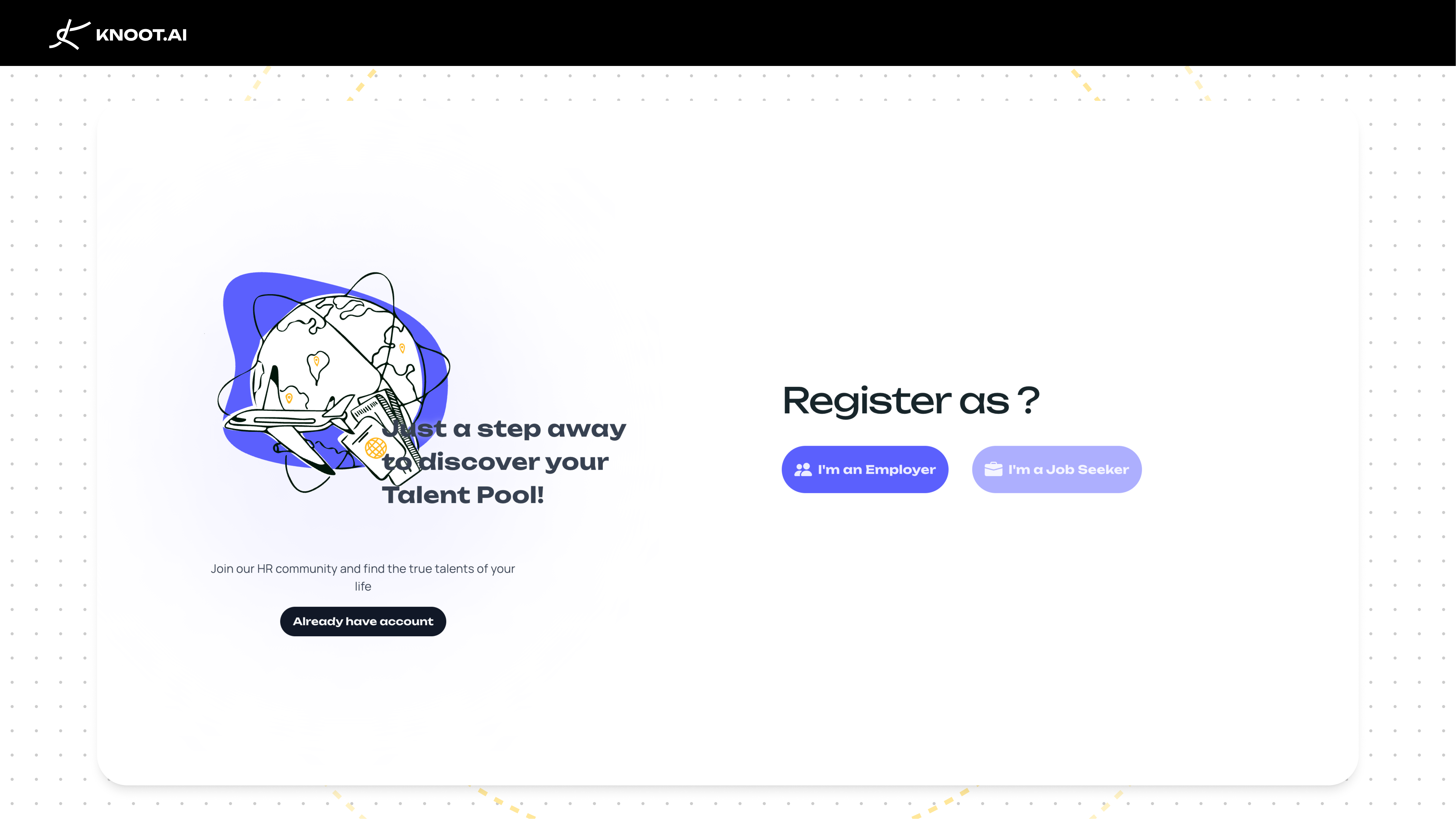
- Visit the Registration Page —
/auth/register - Choose Your Role
- Recruiter: Access to job posting, resume screening, and talent search.
- Candidate (Coming Soon): Build your profile and get discovered by recruiters.
- Complete Registration
- Fill in your details (the form varies by role).
- Verify your email with the OTP code sent to you.
- Complete your profile setup.
Sign In
- Navigate to
/auth/login. - Knoot lets you sign in with:
- Email and password
- Google OAuth
- LinkedIn OAuth
2. For Recruiters
| Feature | Description | Functions |
|---|---|---|
| Talent Pool | Manage all your uploaded resumes in one place. | • Add to groups • Duplicate across groups • Enable for public viewing • Delete when needed • Share to Community (bulk share mode) |
| Job Management | Create and track your job descriptions. | • View all job postings in one list • Create new job descriptions • Edit existing jobs • Track application statistics • Monitor job performance |
| Screening | AI-powered resume screening against your job requirements. | • Match scores and statistics • Resume comparisons • Downloadable reports • Filter by status (Processing, Pending, Completed) |
| Transactions | Monitor your account balance and transaction history. | • Total points • Distribution points • Commission points • Complete transaction history with pagination |
| Talent Community | Browse and discover public resumes. | Search: • AI-powered search using natural language queries • Advanced filters to narrow down results • Screening mode for job-specific matching Resume actions: • Preview — free summary view • Purchase — full access to the complete resume • Bookmark — save to favorites for later Managing favorites: • Access bookmarked resumes at /favorite-talent• View in a sortable table layout • Quick access to resume details |
3. For Candidates (Coming Soon)
Build Your Profile
- Complete registration as a Candidate.
- Upload your resume to the platform.
- Enable public viewing to be discovered by recruiters.
- Keep your profile updated.
Get Discovered
- Make your resume public in the Talent Pool.
- Optimize your profile with relevant keywords.
- Showcase your skills and experience.
- Respond promptly to recruiter inquiries.
Your Public Profile
- Access at
/user. - Displays your professional information.
- Shows your portfolio and work samples.
- Provides contact options for recruiters.
4. Common Tasks
| Task | Steps |
|---|---|
| Upload Multiple Resumes | 1. Go to Talent Pool (/space/talent-pool)2. Click upload or drag & drop files 3. Monitor progress in the upload popover 4. Files process in the background 5. Organize into groups when ready |
| Screen Resumes for a Job | 1. Navigate to Screening (/space/screening)2. Click "Create New Screening" 3. Select job description and resumes 4. Configure parameters 5. Review results when complete |
| Purchase a Resume | 1. Browse Talent Community (/talent-community)2. Find interesting candidates 3. Click "Preview" for a free summary 4. Click "Purchase" for full access 5. Confirm purchase in the dialog 6. Access the complete resume immediately |
| Manage Account Settings | 1. Go to Settings (/settings)2. Use the sidebar to navigate: Profile Settings, Account Settings, Notification Preferences, Privacy Controls, Billing Information 3. Save changes after editing |
5. Need Help?
Resources
- 📚 Documentation — Detailed guides
- 📝 Blog — Tips and articles
- 📊 System Statistics — Platform metrics (Coming Soon)
- 📖 About Us — Learn more about Knoot
Support
- 📧 Help & Support — Submit inquiries
- 📄 Terms of Service — Legal information at
/discover/terms-of-service
Common Technical Issues
- Clear browser cache and cookies.
- Try a different browser.
- Check your internet connection.
- Contact support with error details.
🎉 Ready to Get Started?
- Sign up at
/auth/register - Complete your profile
- Explore your workspace at
/space - Start recruiting or get discovered!
🔗 Quick Links
| Page | URL | Purpose |
|---|---|---|
| Home | /home | Landing page |
| Login | /auth/login | Sign in |
| Register | /auth/register | Create account |
| Workspace | /space | Main workspace |
| Talent Pool | /space/talent-pool | Resume management |
| Screening | /space/screening | Resume screening |
| Talent Community | /talent-community | Browse resumes |
| Favorites | /favorite-talent | Saved resumes |
| Settings | /settings | Account settings |
| Pricing | /pricing | Subscription plans |
| Discover | /discover | Resources & blog |
Welcome to KnootAI — let's revolutionize your talent management! 🎯